Introduction
monday.com is designed to be set up without technical help. The platform is intuitive, the documentation is good, and millions of teams use it successfully without ever talking to a consultant.
So why do some teams spend thousands on implementation services?
This guide gives you an honest framework for deciding whether to set up monday.com yourself or bring in outside help. No sales pitch. The goal is to help you make the right call for your team, your budget, and your timeline, whether that means doing it yourself or finding the right consultant.
When DIY Setup Works Well
DIY works when the conditions are straightforward. Here are the signals:
Your team is small (under 10 people). Fewer people means fewer opinions about how things should work, simpler permission models, and faster alignment on board structure. A team of five can agree on a sales pipeline in a 30-minute meeting.
Your workflow is linear. One process, one board, clear stages. A sales pipeline with five stages, a project board with Backlog/In Progress/Done, a recruitment tracker with Open/Screening/Interview/Offer. If your workflow fits on a whiteboard in under two minutes, you can build it yourself.
You are not migrating data. Starting fresh is dramatically simpler than importing thousands of records from an existing CRM. No field mapping, no deduplication, no transformation rules. If your team is new to CRM or moving from a handful of spreadsheets, DIY is viable.
You have a monday.com champion. Someone on the team who enjoys learning new tools, will spend a few hours reading documentation, and is willing to be the go-to person for questions. Without this person, even a simple setup drifts.
Your timeline is flexible. DIY takes longer because you are learning the platform while building on it. If you have two to four weeks to experiment, iterate, and refine, that is fine. If you need a working CRM by next Monday, DIY is risky.
If all five of these apply, our beginner's guide and CRM setup guide give you everything you need to do it yourself.
When Teams Struggle Without Help
These are the patterns we see in teams that start DIY and then call for help two months later, having already burned time and confidence.
Multiple interconnected processes
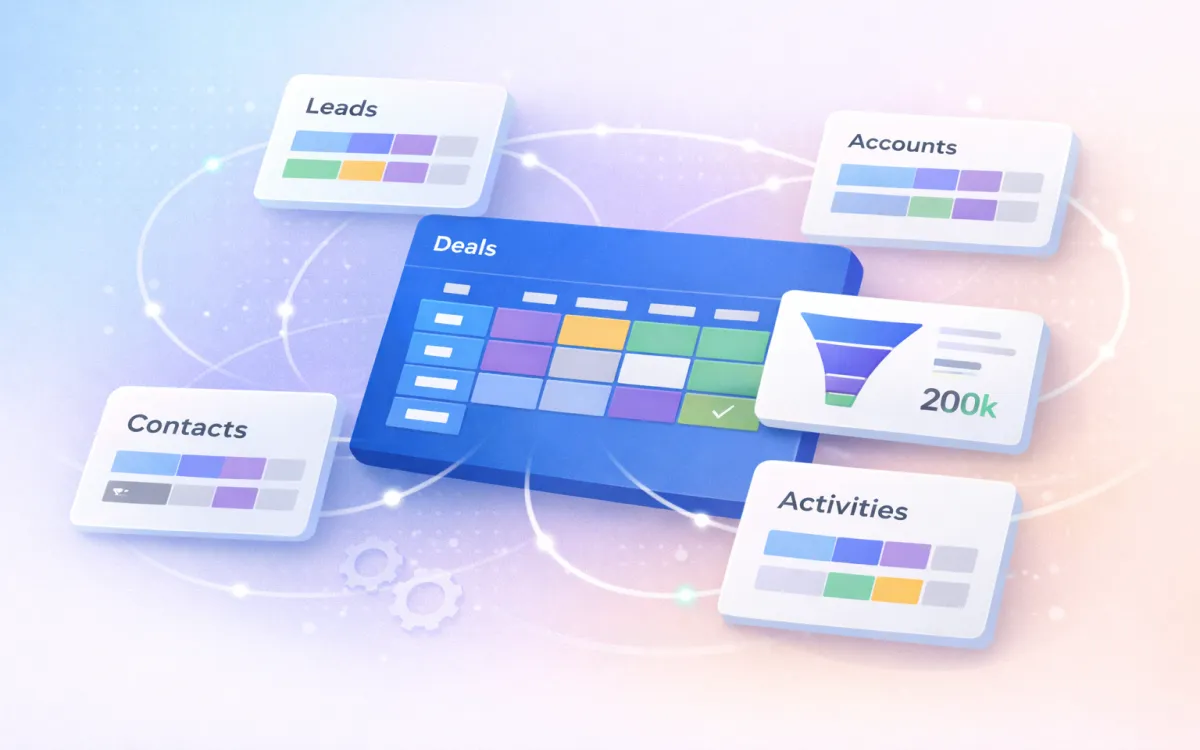
Your CRM does not exist in isolation. Leads feed into contacts, contacts link to accounts, deals connect to both, and activities log against everything. If you also need client onboarding, project delivery, invoicing, or support ticketing integrated with your CRM, the complexity multiplies. Each board-to-board connection needs careful column mapping, automation logic, and data governance rules.
Teams that underestimate this complexity end up with disconnected boards, duplicate data, and automations that fire incorrectly or not at all.
Large data migration
Moving more than 1,000 records from an existing CRM requires planning that most teams underestimate. Field mapping between different systems is rarely one-to-one. Data cleaning (deduplication, format standardisation, handling of blank fields) takes longer than the actual import. Validation after import (verifying record counts, checking relationship integrity, testing automations against real data) is a full project in itself.
If you are migrating from Salesforce, HubSpot, Pipedrive, or Zoho, the data structures are different enough from monday.com that expert field mapping pays for itself in time saved.
Multiple teams with different workflows
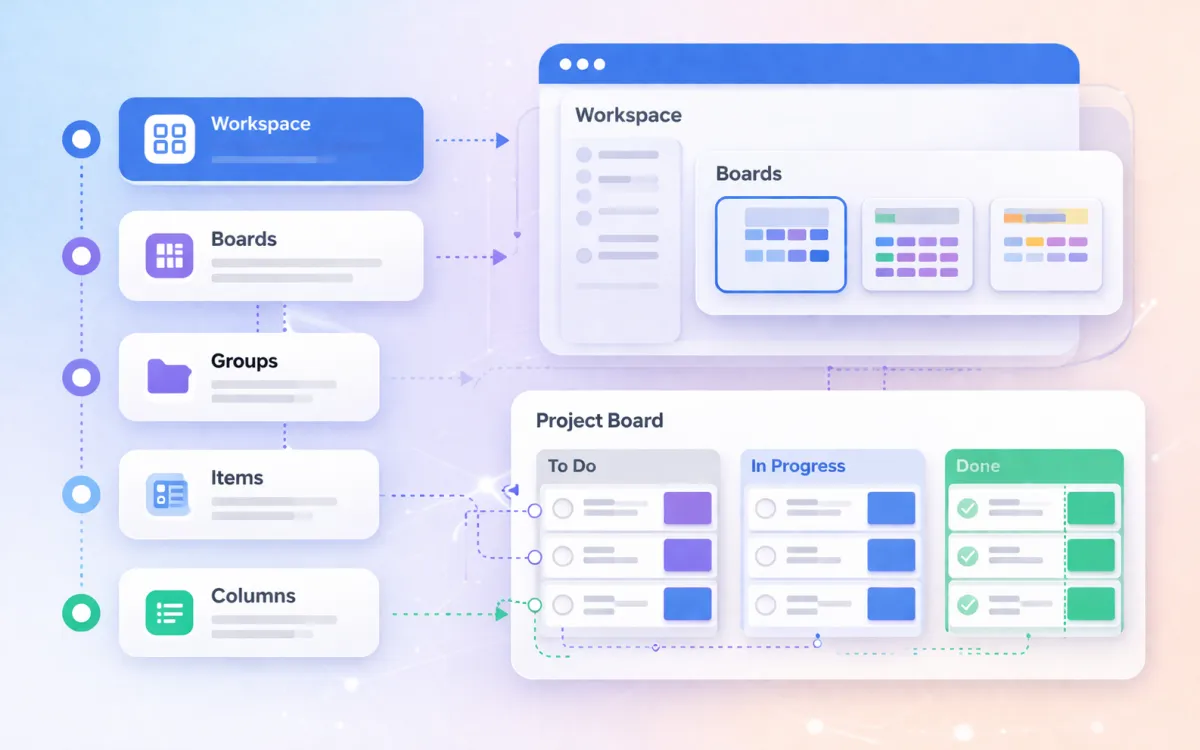
When Sales, Marketing, Operations, and Finance all need to work in the same monday.com account but have different processes, permission requirements, and reporting needs, the setup becomes an architecture problem, not a configuration task. Workspace structure, board design, cross-board connections, dashboard design, and permission models all need to be planned holistically.
Automation complexity
Simple automations (status change notifications, due date reminders) are straightforward. But real-world CRM automation often involves multi-step chains: when a deal is won, create an onboarding item, notify the delivery team, update the forecast, send a welcome email, and archive the opportunity. Each step needs testing, error handling, and quota monitoring.
Teams that build complex automations without understanding the execution model end up with mysterious failures, quota overruns, and data that nobody trusts.
Compliance or regulatory requirements
Industries like financial services, insurance, and healthcare have data handling requirements that affect how the CRM is configured. Field-level permissions, audit trails, data retention policies, and access controls need to be built in from the start, not bolted on later.
What an Implementation Covers
Professional monday.com implementations typically follow three phases.
Phase 1: Audit and design (1 to 2 weeks)
The consultant reviews your current processes, tools, and data. The output is a design document that specifies:
- Workspace and board structure
- Column definitions for each board
- Connection maps between boards
- Automation logic (triggers, actions, dependencies)
- Permission model (who sees what)
- Data migration plan (if applicable)
- Dashboard and reporting requirements
This phase is where most of the value lies. A good audit catches structural problems before they are built into the system.
Phase 2: Build and configure (1 to 3 weeks)
The consultant builds the boards, configures automations, imports and validates data, creates dashboards, and tests everything end to end. This includes:
- Board creation with agreed column structure
- Automation setup and testing (with dummy data first, then real data)
- Data import with field mapping and deduplication
- Dashboard configuration with agreed KPIs and widgets
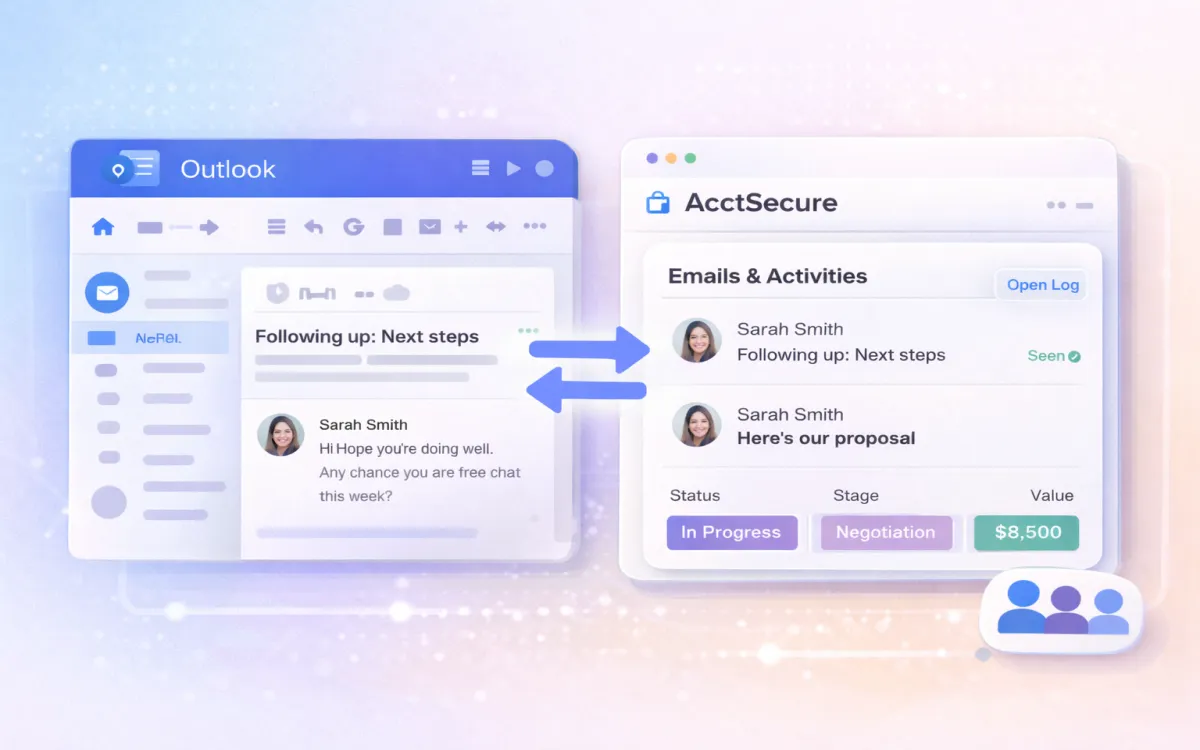
- Integration setup (email, calendar, third-party tools)
- User account creation and permission assignment
Phase 3: Training and go-live (1 to 2 weeks)
The team is trained on their specific setup (not generic monday.com training). Training covers:
- How to use the boards in daily workflow (not just how the buttons work)
- When and how to update deal stages, log activities, and use views
- How to read and act on dashboard data
- What the automations do and how to troubleshoot common issues
- Who to contact for ongoing questions
Go-live includes a parallel running period (old system and new system side by side), followed by a full cutover with a defined date.
Timeline and Cost Drivers
Implementation timelines and costs vary significantly. Here are the factors that move the numbers.
What makes it faster and cheaper
- Small team (under 15 people)
- Single department using the CRM
- Clean, well-structured data in the source system
- Standard sales pipeline (5 to 7 stages, single pipeline)
- No custom integrations beyond email and calendar
- Team is available for training and feedback during the build
What makes it slower and more expensive
- Multiple departments with interconnected workflows
- Large data migration (more than 10,000 records) from a complex source system
- Custom integrations with accounting, ERP, or proprietary tools
- Multi-pipeline setups (separate pipelines for different products or regions)
- Compliance requirements that affect data handling and permissions
- Geographically distributed team requiring multiple training sessions
Typical ranges
For a straightforward single-team CRM setup with data migration:
- Timeline: 3 to 6 weeks
- Cost: The range depends on scope. A simple setup with light data migration and standard training is at the lower end. A multi-department implementation with complex integrations and compliance requirements is at the higher end.
For a rough comparison, consider the internal cost of DIY: if your team lead spends 40 hours figuring out board structure, automation logic, and data migration over two months (instead of their normal job), that has a real cost in lost productivity and delayed pipeline visibility.
What to Ask a Consultant
If you decide to explore working with a consultant, here are the questions that separate good implementation partners from bad ones.
Before you engage
-
"Can I see an example of a monday.com CRM you have built for a team similar to mine?" A consultant who cannot show relevant examples is either new to the platform or working outside their expertise.
-
"What does your audit process look like?" If the answer is "we jump straight into building," that is a red flag. Good implementations start with understanding your current process, not configuring software.
-
"How do you handle data migration?" Look for specifics: field mapping methodology, deduplication approach, validation process, and rollback plan if something goes wrong. Vague answers like "we will move everything across" suggest they have not done complex migrations.
-
"What training do you provide?" Generic monday.com training is not useful. Your team needs training on their specific boards, their specific automations, and their specific dashboards. Ask whether training is tailored to your setup.
-
"What happens after go-live?" The first month after launch is when most issues surface. Ask about post-launch support: is it included, is it time-limited, and how do you get help when something breaks?
Red flags
- No discovery or audit phase. They want to start building immediately.
- Fixed price without understanding your scope. Good consultants scope before pricing.
- No mention of data quality or migration testing. They assume your data is clean.
- Training is "optional" or "a separate engagement." Training is not optional if you want adoption.
- They recommend rebuilding everything from scratch when your current process mostly works.
Green flags
- They ask more questions than they answer in the first meeting.
- They suggest starting small and expanding, rather than building everything at once.
- They have opinions about board structure and are willing to push back on your ideas if they have seen them fail before.
- They include post-launch support in their standard engagement.
- They give you an honest assessment of whether you actually need them (some teams genuinely do not).
Take the migration readiness assessment to understand the complexity of your specific situation before speaking to anyone.
Not sure which path is right for you?
Book a free, no-commitment consultation. We will review your setup needs and give you an honest recommendation, even if that recommendation is to do it yourself.
Book a Free ConsultationFrequently Asked Questions
How much does a monday.com consultant cost?
Rates vary based on scope, complexity, and location. Most consultants charge per project (scoped after an initial discovery call) rather than by the hour. A straightforward CRM setup for a single team typically costs less than a multi-department implementation with data migration and custom integrations. The best way to get an accurate estimate is to have a scoping conversation about your specific needs.
Can I hire a consultant for just the data migration?
Yes. If you are comfortable setting up boards and automations yourself but want professional help with the data migration (field mapping, cleaning, import, validation), that is a common engagement model. Our data migration service is designed for exactly this scenario.
What if I start DIY and get stuck?
That happens regularly. Most consultants are happy to take over from a partially built setup. The caveat: if the existing setup has structural problems (wrong board architecture, automations that conflict, data integrity issues), the consultant may recommend a partial rebuild rather than patching. This is why the audit phase matters; it identifies what can be kept and what needs to change.
Do I need a monday.com partner specifically?
monday.com has an official partner programme. Partners have been vetted by monday.com and typically have more platform-specific experience. For CRM implementations, look for partners who specialise in CRM and sales operations, not just generic monday.com consulting. A partner who primarily builds project management workflows may not have the CRM-specific expertise your sales team needs.
How long does a typical implementation take?
Three to six weeks for a standard CRM setup (single team, moderate data migration, standard integrations). Six to twelve weeks for complex implementations (multiple departments, large data migration, custom integrations, compliance requirements). The biggest variable is usually data migration: clean data migrates fast, messy data takes time.
What is the difference between a consultant and a trainer?
A consultant designs and builds your system. A trainer teaches your team how to use it. Some firms (including ours) offer both. If you are doing a DIY setup and just need your team trained on the platform, a training engagement is lighter and cheaper than a full implementation. If you need someone to design the architecture, migrate data, and build automations, you need a consultant.