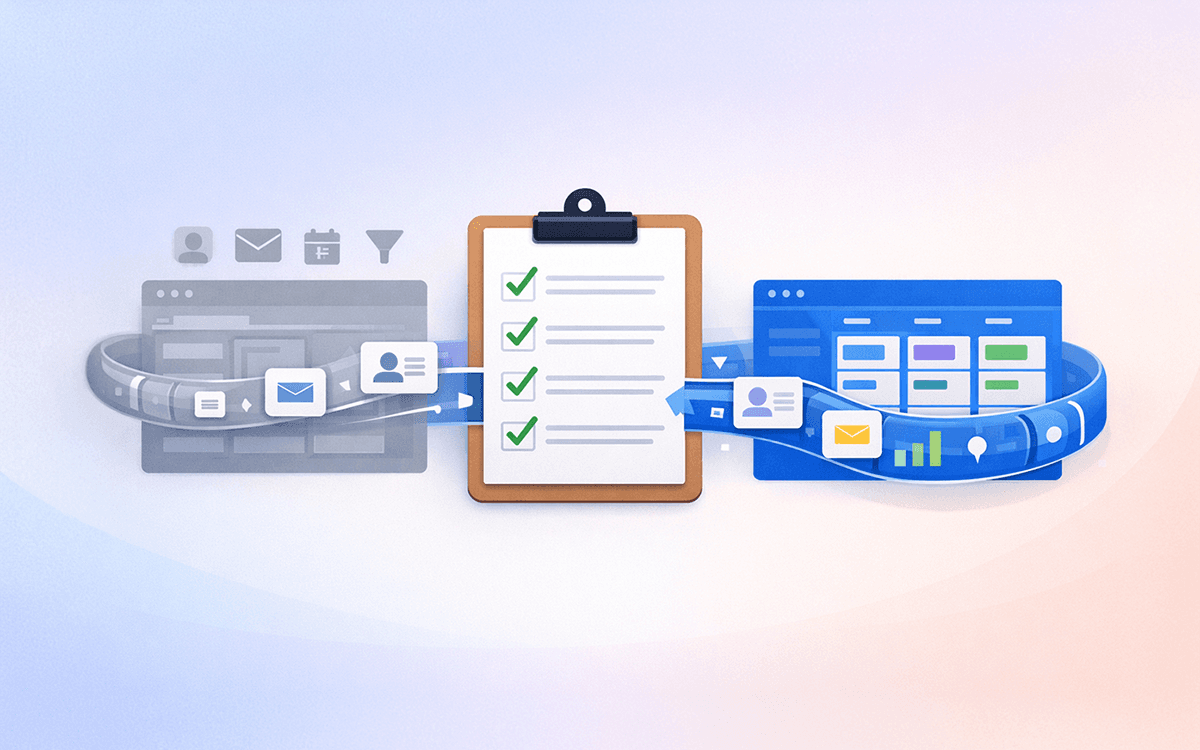
Four notable updates have landed in monday CRM over the past few weeks. Between native Google Calendar sync, AI-generated activity summaries, a new timeline column for tracking touchpoints, and a rebuilt Quotes and Invoices module, there is enough here to meaningfully change how your team manages deals and client relationships. Here is what each update does and where it fits into your workflow.
Google Calendar Integration for monday CRM
Monday CRM can now sync directly with Google Calendar, creating a two-way connection between your scheduled meetings and your CRM activity records. When you create a meeting in monday CRM — whether from a contact, deal, or account — it appears automatically in your Google Calendar. Equally, meetings you schedule in Google Calendar can be linked back to the relevant CRM record, so your activity log stays complete without manual data entry.
The practical benefit is straightforward: your sales team stops having to copy meeting details between two tools. A discovery call booked in Google Calendar shows up on the deal record in monday CRM, and vice versa. Post-meeting notes added in the CRM are associated with the calendar event so nothing gets lost between your inbox and your pipeline.
Who this helps most: Teams that do high-volume outbound or relationship-led sales, where meeting cadence is a core part of the process. If you have been tracking meetings manually in a notes column or relying on people to log activities after the fact, this closes that gap.
Setup: The integration is configured through the monday CRM settings panel under Integrations. You authorise the Google Calendar connection once and it applies across your CRM boards. Each user connects their own Google account, so the sync is individual rather than shared — useful for teams where reps own their own calendars.
If you are evaluating monday CRM as part of a move away from HubSpot or Salesforce, native Google Calendar sync is one of the native integrations worth verifying matches your current setup during the design phase.
Emails and Activities AI Summary
The Emails and Activities panel — which logs all communication history for a contact or deal — now includes an AI-generated summary at the top of each record. Rather than scrolling through weeks of individual email threads and meeting notes to get context before a call, you see a concise summary of recent interactions, open action items, and key topics discussed.
The summary updates automatically as new emails and activities are logged. It draws from all communication in the panel: sent and received emails, meeting notes, logged calls, and manual activity entries. You can expand into the full thread at any time — the summary does not replace the underlying log, it sits above it as a quick-read layer.
Who this benefits: Account managers handling large client rosters, or sales reps picking up deals mid-cycle from a colleague. The time saved is mostly in context-switching — getting up to speed before a call without reading through a long email thread.
A note on accuracy: AI summaries work best when the underlying activity log is clean and complete. If your team logs inconsistently — some calls noted, others not — the summary will reflect those gaps. This is worth factoring in if you are implementing monday CRM as part of a migration, because good activity logging habits need to be built from day one rather than retrofitted later. Our CRM design service includes setting up activity logging standards and automation rules that keep records complete without relying on manual entry.
Moving to monday CRM from another platform?
Getting your activity history, email threads, and contact records migrated cleanly is one of the more complex parts of a CRM switch. We handle field mapping, data transfer, and post-migration verification so nothing gets left behind.
See How We Approach Data MigrationActivities Timeline Column
Monday CRM has added a dedicated Activities Timeline column type for CRM boards. The column renders a visual, chronological view of all logged activities — meetings, calls, emails, notes — directly within the board row for each contact, deal, or account.
Previously, seeing an activity history required opening the item and navigating to the Emails and Activities panel. The timeline column brings a condensed version of that history into the board view itself, so you can scan across multiple records without drilling into each one individually.
Practical uses:
- A sales manager reviewing the pipeline can see at a glance which deals have had no recent activity, without opening each deal card
- A team doing a pipeline review can identify stalled deals (no activity in 14 days) directly from the board view
- Account managers can spot which clients have gone quiet without running a manual filter
The column is configurable — you can set the time range displayed (last 7 days, 30 days, etc.) and filter by activity type if you only want to see meetings or only calls. It does not replace the full activity log; it surfaces a summary within the board grid.
This is a relatively small UI change on paper, but in practice it removes a navigation step that slows down pipeline reviews. Teams that run weekly deal reviews in monday CRM will notice the difference immediately.
New Quotes and Invoices Module
Monday CRM has rebuilt its Quotes and Invoices module. The new version integrates more tightly with the deal pipeline, allows for line-item product catalogues, and supports sending quotes directly from a deal record with a customer-facing preview link.
Key changes in the rebuilt module:
- Product catalogue: You can now maintain a reusable catalogue of products and services with set prices, making it faster to build consistent quotes without retyping line items
- Quote-to-deal linking: Quotes are created within a deal record and automatically associated with the relevant contact and account — no copying quote details across separately
- Customer preview link: When you send a quote, the recipient gets a shareable link with a clean, branded view of the quote. They do not need a monday.com account to view it
- Invoice generation: Once a quote is accepted, you can convert it to an invoice within the same workflow, maintaining the line items and deal context
Who this is relevant for: Businesses where the sales cycle ends with a formal quote or proposal — professional services, agencies, consultancies, and B2B product companies. If you currently generate quotes in a separate tool (Google Docs, PandaDoc, a spreadsheet) and then manually update the CRM once they are sent, this brings that step inside monday CRM.
The module is not a full accounting replacement — it does not handle payment processing or reconciliation natively. For teams that need deep accounting integration, it works alongside tools like Xero or QuickBooks rather than replacing them. But for smaller teams where quote generation is a simple, linear step in the sales process, having it inside the CRM removes a tool from the stack.
If you are coming from Salesforce or HubSpot, where quoting often requires an additional paid module or third-party CPQ tool, this is a meaningful simplification.
What This Means If You Are Evaluating a Migration
Taken together, these updates point to monday CRM maturing its core sales workflow. Calendar sync, AI-assisted context, activity visibility in the board view, and native quoting are all features that CRM buyers typically check against their requirements list when switching platforms.
If you have been holding off on a move because monday CRM was missing one of these capabilities — particularly quoting or calendar sync — the current version is worth a fresh look. The AI transformation assessment is a useful starting point if you are specifically evaluating how monday CRM's AI features could change your team's workflow.
For teams actively planning a migration, the free consultation is the fastest way to get a straight answer on whether your current CRM setup maps cleanly to monday CRM, and where the gaps are.
Sources: